Latest Version
ProjectDNA
Education
Windows
Free
9wzdncrdsnj9
Report a Problem
More About My FlashCards BETA
The Challenge of Active Recall in Digital Learning
When trying to master complex terminology, memorize a new language, or prepare for professional exams, traditional passive reading often falls short. Static notes rarely challenge the brain enough to build long-term memory. While digital flashcards offer a convenient alternative, many applications limit users to rigid text input, stripping away the proven cognitive benefits of writing things down by hand. The My FlashCards BETA study tool solves this issue by bridging the gap between tactile note-taking and digital convenience.
What is My FlashCards BETA?
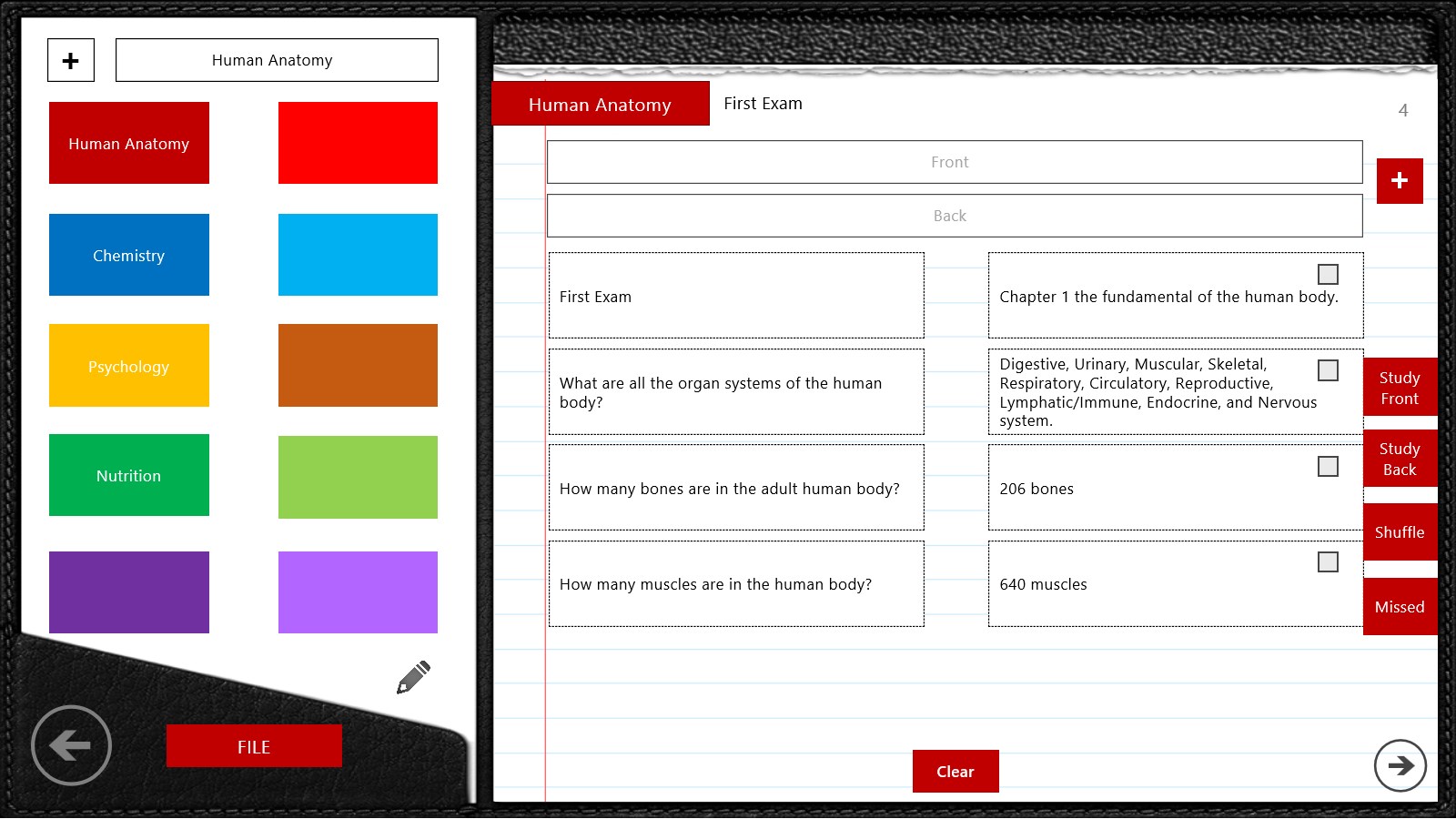
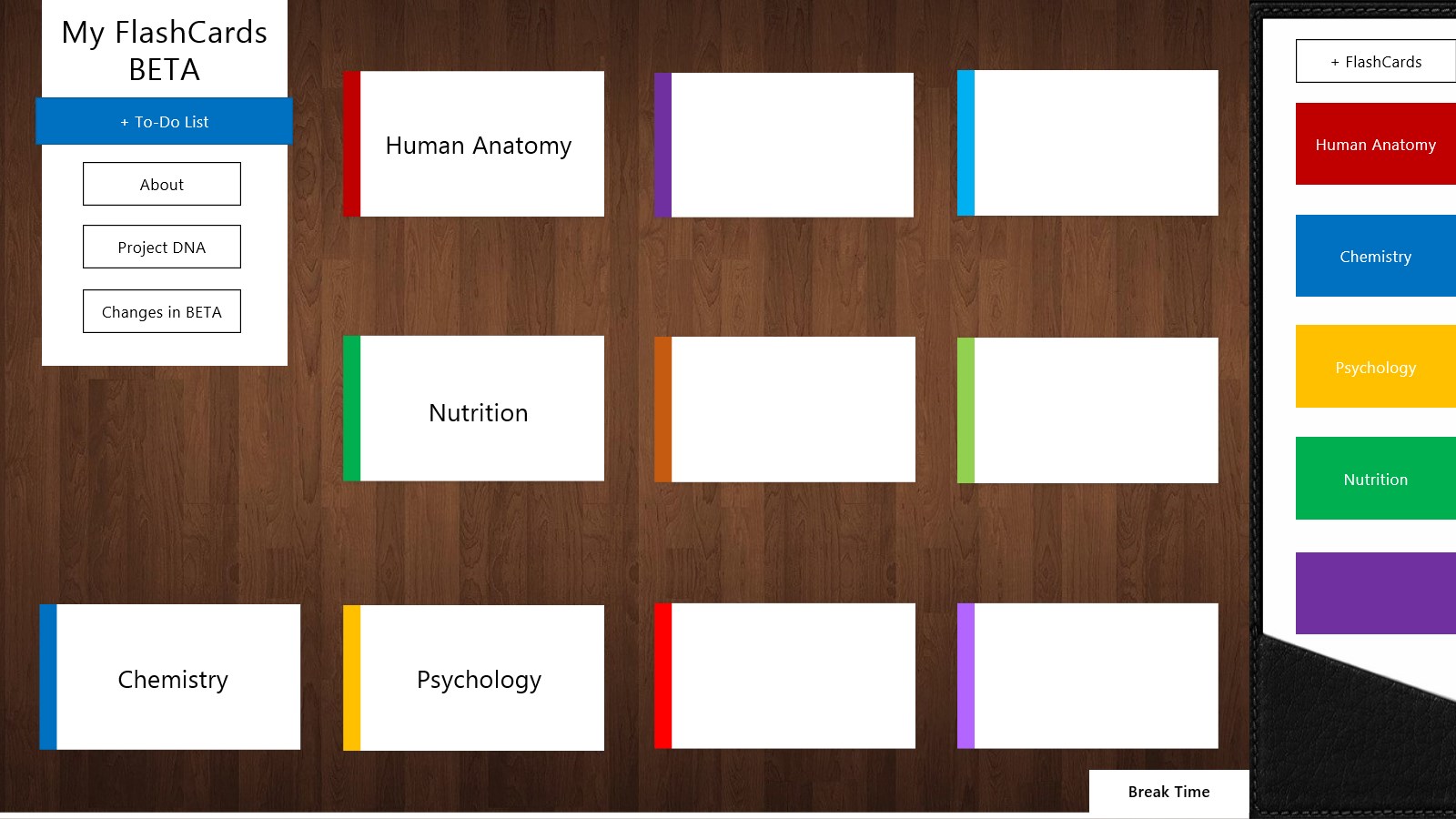
Developed by ProjectDNA for the Windows platform, this educational application reimagines how students and professionals organize their study materials. Classified under the education category, the app provides a highly flexible canvas for creating personalized study decks. Instead of restricting your study aids to standard keyboard characters, it embraces diverse learning styles by allowing you to design cards that match your exact mental workflow.
Standout Features of the My FlashCards BETA Study Tool
While the market is filled with basic memory aids, this application introduces several distinct features designed to optimize your study sessions:
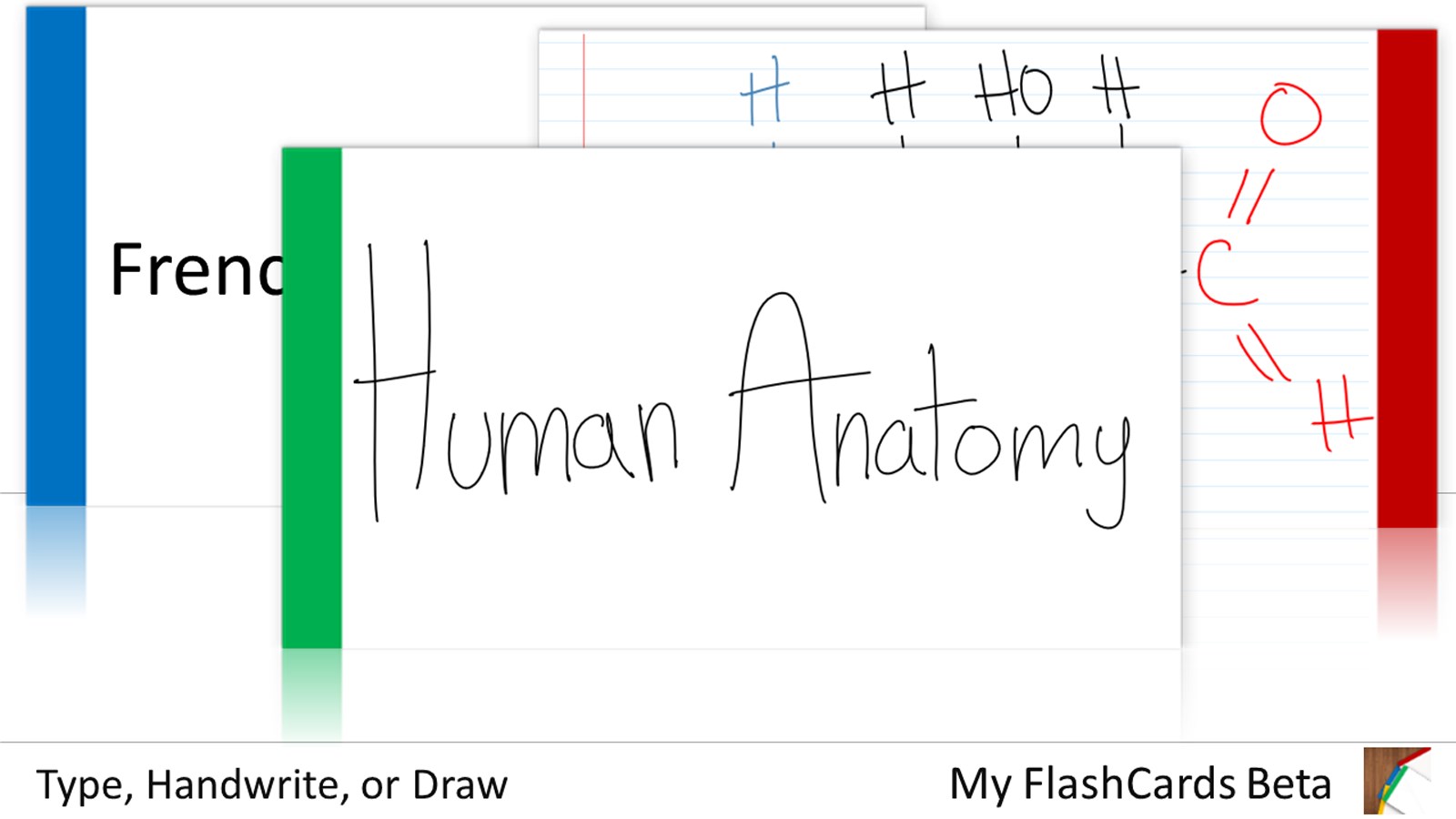
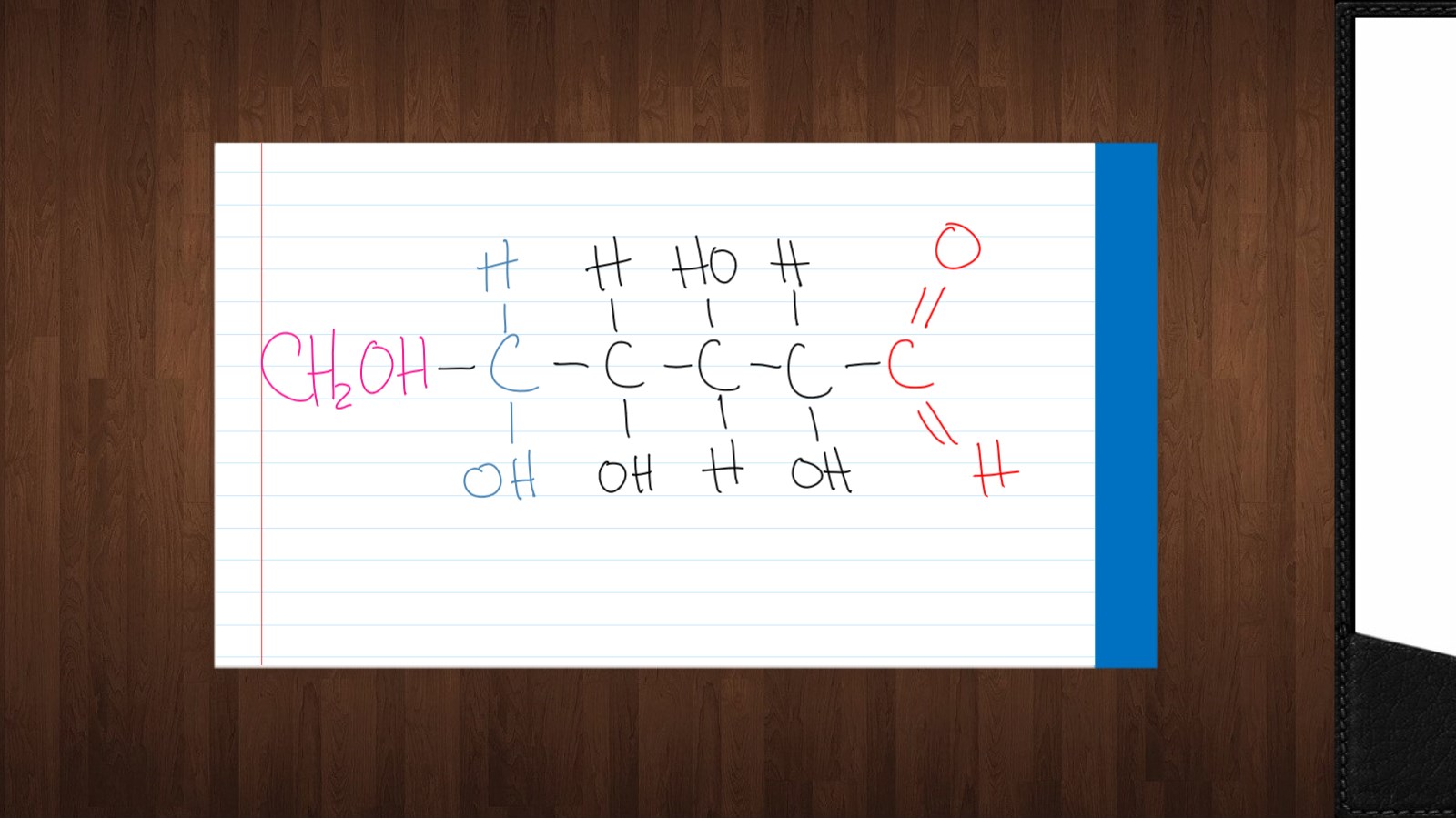
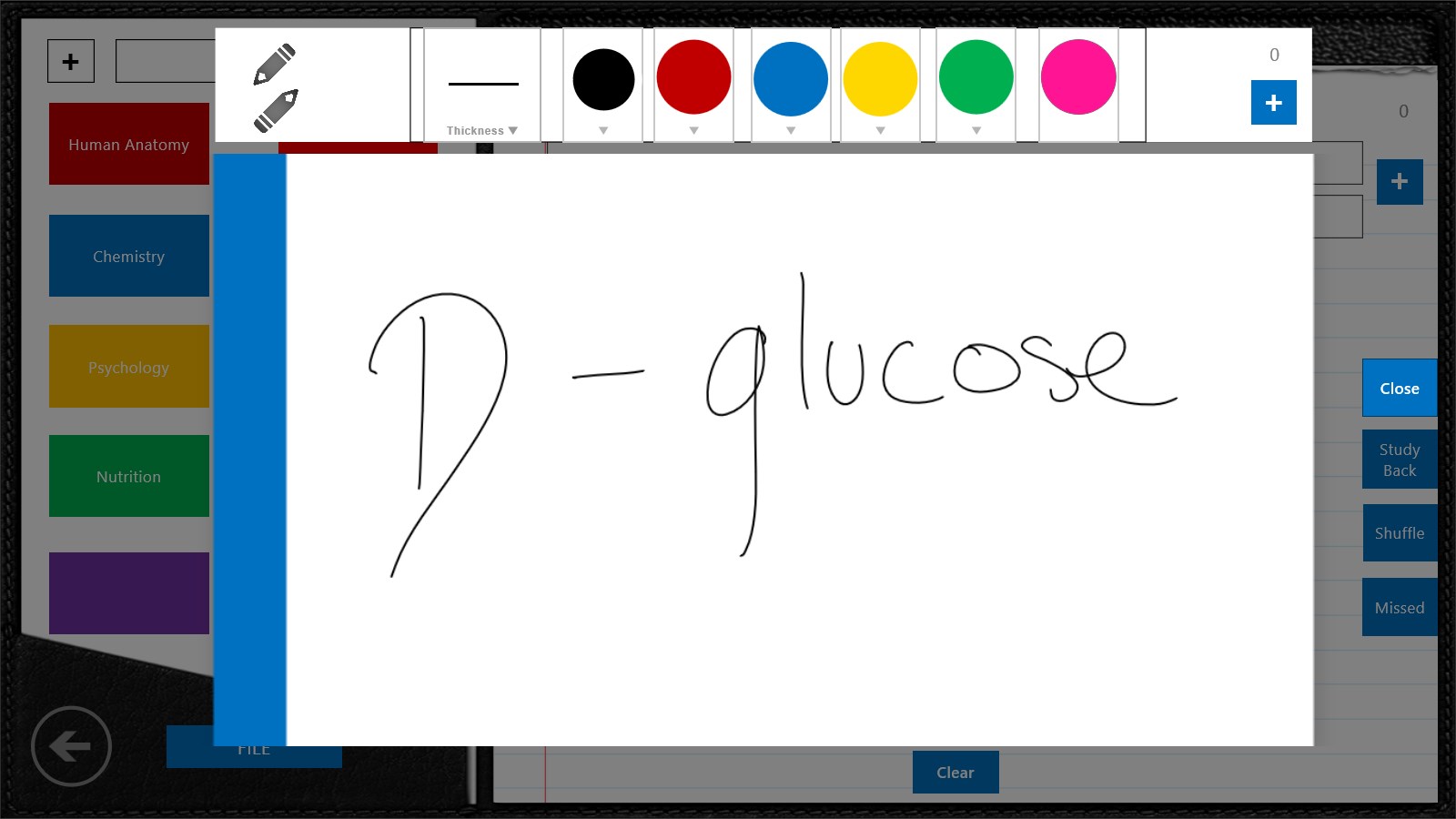
- Multi-Modal Input Methods: You can type your notes, handwrite definitions, or draw custom diagrams. This is particularly valuable for visual learners, math students needing to sketch equations, or language learners practicing non-Latin scripts.
- True Card Shuffling: Repetition in the exact same order can lead to passive memorization based on sequence rather than actual knowledge. This tool stands out by allowing you to shuffle your cards, ensuring your brain is genuinely tested on each concept.
- Streamlined Windows Interface: Built specifically for Windows, the workspace is clean and focused, minimizing external distractions during intensive study blocks.
Who Benefits Most From This App?
The My FlashCards BETA study tool is highly versatile, making it an excellent match for various user profiles:
- Students: Ideal for preparing for high-stakes exams, vocabulary tests, or historical timelines where sketching quick diagrams aids memory retention.
- Self-Directed Learners: Perfect for those tackling complex professional certifications or picking up a new language from scratch.
- Creative Thinkers: Users who find that standard text-only apps restrict their ability to express concepts through visual mind maps or handwritten shorthand.
Optimizing Your Study Routine
To get the most out of your study sessions, we recommend utilizing the drawing features to create vivid visual cues on one side of the card, while using the handwriting option on the other side to reinforce muscle memory. Combined with the card shuffling feature, this active engagement helps transition information from short-term working memory into reliable, long-term recall.
Our Editorial Verdict
If you are looking for a flexible, distraction-free environment to elevate your study habits on Windows, this application presents an engaging solution. By combining digital organization with the freedom of handwriting and drawing, it caters to how modern learners actually process information.
To start building your custom study decks, head over to the official Microsoft Store page to explore the app today.
Rate the App
User Reviews










Popular Apps









Editor's Choice